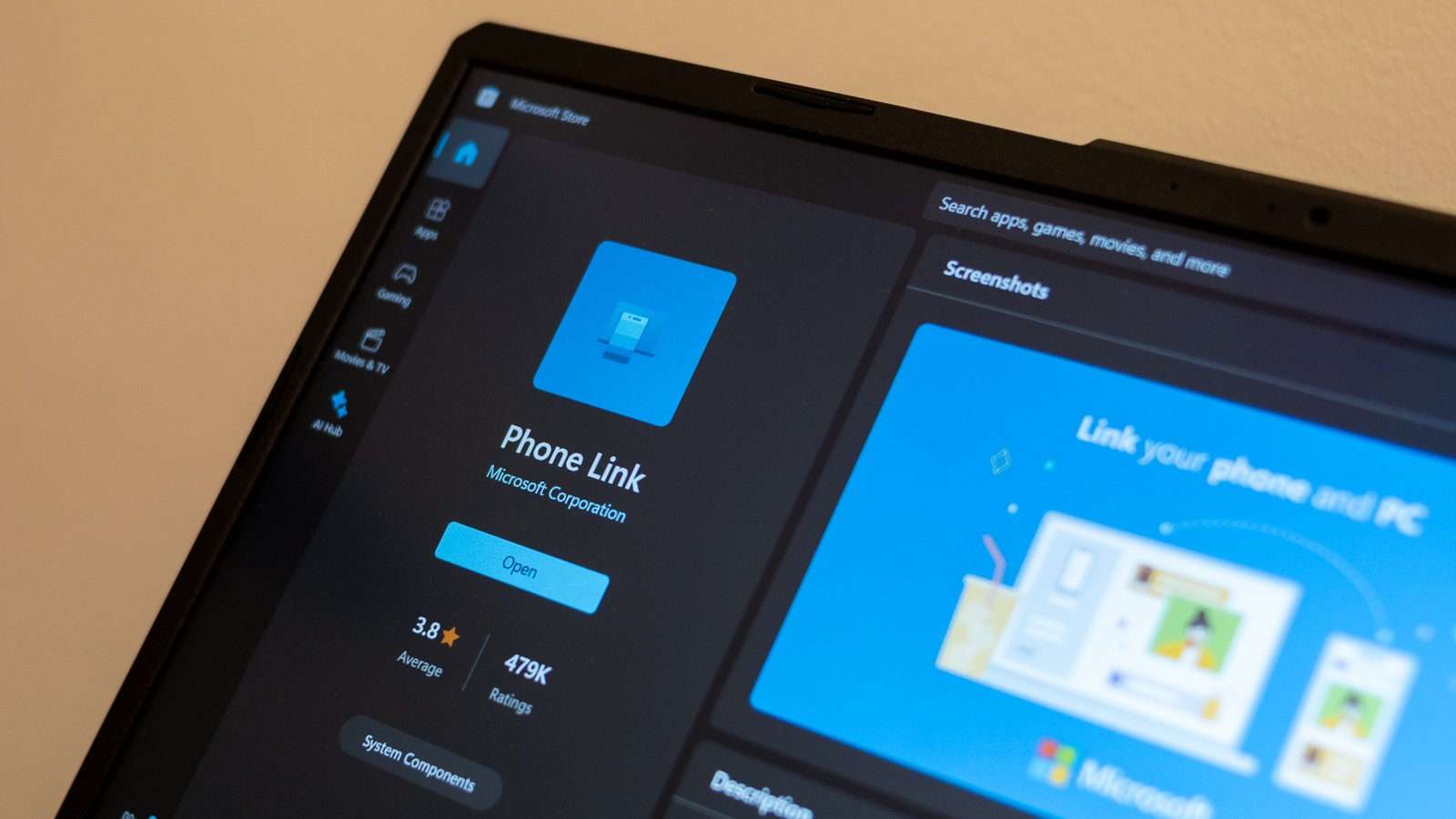
Microsoft Phone Link – Seamlessly Connect Your Android Phone to Your Windows PC
Microsoft Phone Link (formerly known as Your Phone) is one of the easiest ways to bridge your Android device with your Windows 10 or Windows 11 PC. With it, you can view notifications, read and reply to messages, access photos, and even take calls — all directly from your computer.
Whether you’re working, studying, or just want fewer distractions, Phone Link keeps everything in sync without needing cables or third-party apps.
What Is Microsoft Phone Link?
Phone Link is a built-in Windows app that connects your Android smartphone to your PC using Wi-Fi or Bluetooth. Once paired with the Link to Windows app on your phone, it creates a real-time connection between both devices, allowing you to access mobile features from your desktop.
It’s fast, secure, and fully integrated into Windows.
Key Features of Microsoft Phone Link
📱 View and Manage Phone Notifications
See your Android notifications instantly on your PC:
Messages
App alerts
Missed calls
Social media notifications
You can clear them or interact with them just like on your phone.
💬 Send and Receive Text Messages
You can type and reply to SMS messages directly from your keyboard, which is much faster than using your phone.
📞 Make and Receive Phone Calls
If your PC has Bluetooth, Phone Link lets you:
Answer calls
Dial contacts
Use your PC’s microphone and speakers
No need to pick up your phone during meetings or gaming sessions.
🖼️ Quick Access to Photos
Phone Link automatically syncs recent photos from your Android device:
Instantly view images
Drag and drop into apps
Copy and paste into documents
Great for content creators and students.
📱 Full Phone Screen Mirroring (Selected Devices)
Some Samsung and Surface Duo phones support advanced features:
Full screen mirroring
Opening mobile apps on PC
Pinning apps to the taskbar
This turns your Android phone into a desktop-like experience.
🔗 Easy Setup
All you need is:
Windows 10 or Windows 11
Android 7.0 or later
The Link to Windows app (usually preinstalled on Samsung phones)
Pair the devices, and you’re ready to go in minutes.
Why People Love Phone Link
Saves time during work or study
Reduces distractions
Makes multitasking smoother
Lets you keep your phone away but still connected
Perfect for messaging-heavy users
It’s especially useful for students who keep notifications under control and for professionals who need to stay connected without losing productivity.
System Requirements
Windows:
Windows 10 (latest update) or Windows 11
Android:
Android 7.0+
Link to Windows app
Connection:
Wi-Fi network or Bluetooth
Final Thoughts
Microsoft Phone Link is one of the most convenient tools built into Windows. It brings your Android phone’s essential features straight to your desktop, helping you stay focused, organized, and always connected. Whether you’re handling messages, calls, or photos, everything becomes faster and more seamless with Phone Link.